If this is the first time your school is using Equipple, it is important to communicate beforehand with parents - letting them know what to expect in order to avoid any confusion. You will find resources below (a parents webpage and an email template) that can be used to inform and set expectations with parents. Of course, you are welcome to manage communications differently, or edit the template as required.
We recommend sending communication on two separate dates:

First communication - One month before meeting invitations are sent out.
Second communication - One day before meeting invitations are sent out.

This provides ample time for your Parents to be aware of the change and provides a helpful reminder, maximising the chances that Parents will remember to look out for the invitation email.
Webpage for parents:
There is a webpage solely-designed for parents - to help familiarise themselves with the new format for meetings. This webpage is:
http://equipple.com/parents-what-to-expect
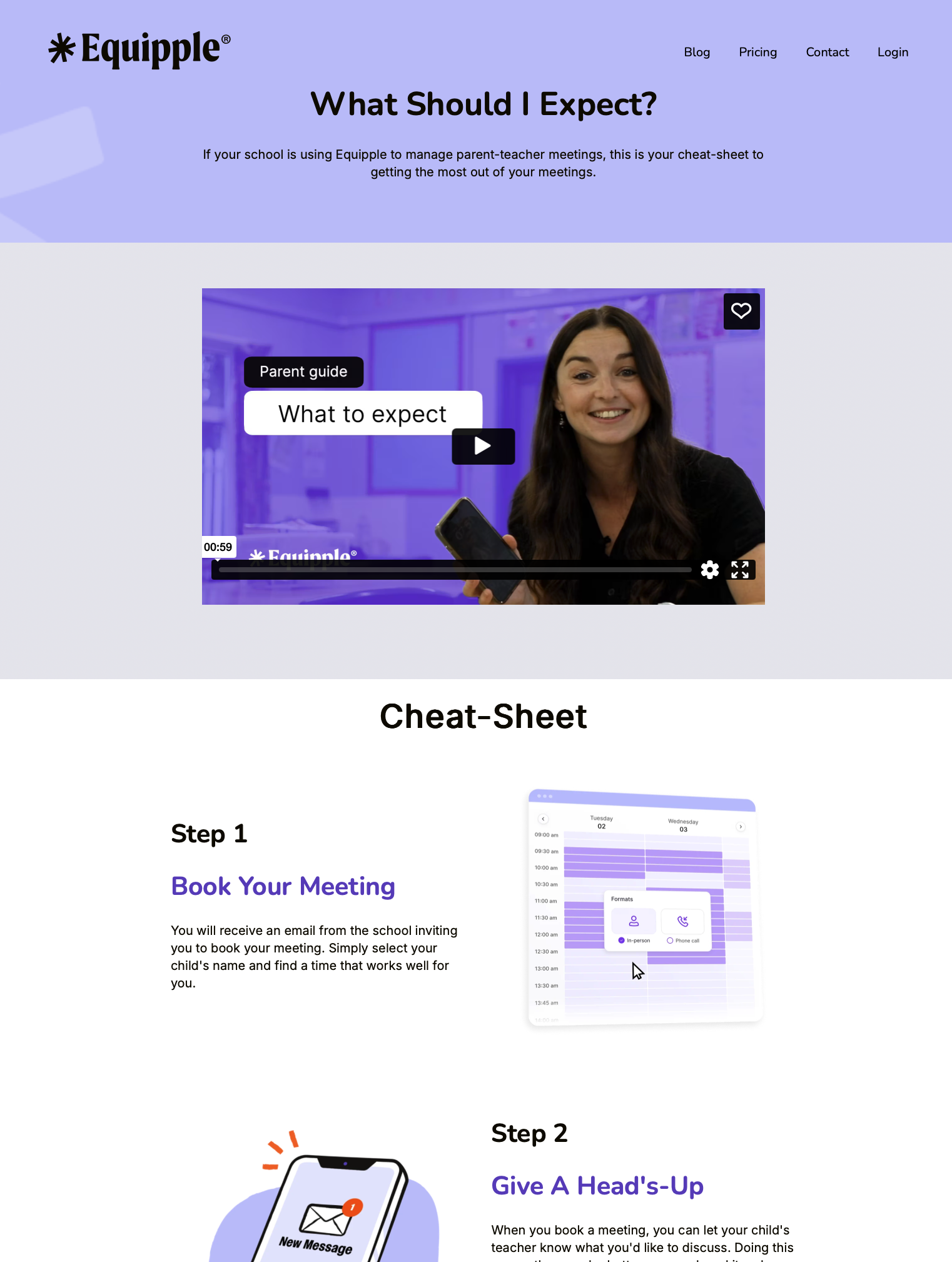
A link to this page may be sent to parents through your usual communication channels (e.g. email, Dojo, Seesaw, etc) to ensure it reaches all relevant parent groups.
Email template for parents:
Subject: Upcoming Parent Meetings - What To Expect
This year, [your school name] is partnering with Equipple to improve our Parent/Teacher meetings. Equipple is a web-based application that simplifies scheduling for parents for a more organised experience whilst also aiding teachers in their preparation for the meetings.
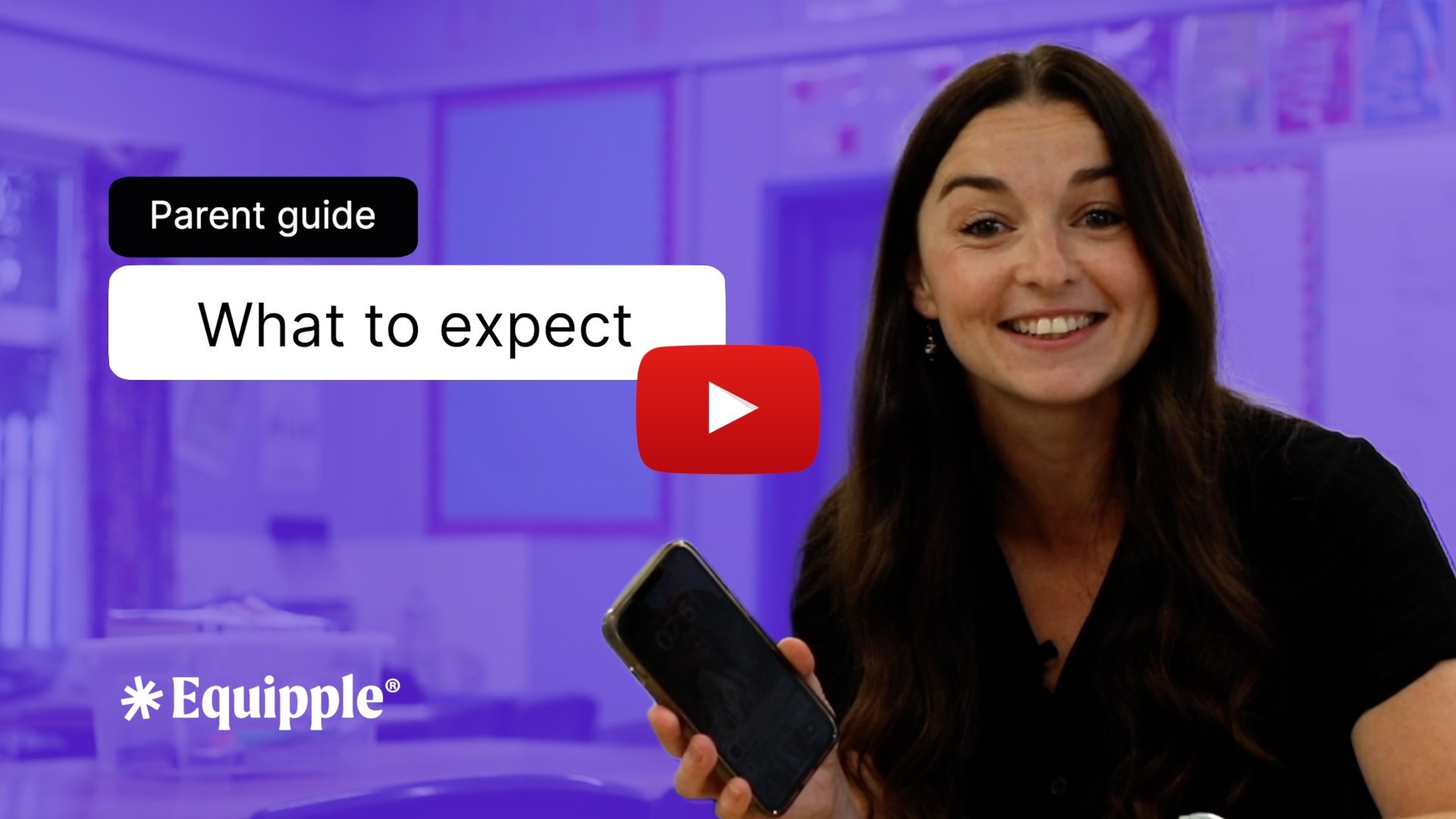
Please check the link to the video works before sending your communication (copying and pasting the template may remove the video link). To re-add it, simply right click on the image, click 'link' and paste the video URL: https://vimeo.com/1046310069
What To Look Out For
On [insert the day, date and time that the invitations will be sent to parents] each family will receive one email from Equipple (in known circumstances, two parents will be issued an invitation.) In the email, you will be asked to confirm that you are the legal guardian of your child and you will then be taken to your teacher’s calendar where you can book a suitable slot to meet them.
You will be able to choose a slot from a range of different days and can also choose an ‘in-person’, ‘phone call’ or 'video call' [edit as required] meeting. You will also have the option to leave a message for the teacher relating to specific areas you would like to discuss during the meeting.
Didn't Receive An Email?
If you do not receive an email, please check your junk folder. If you are still unable to find the email, contact your child's teacher directly to confirm we have your up-to-date email address. The teacher will then be able to send you a new invitation.
We look forward to welcoming you to school for these productive and important discussions.
[Your name]
Was this article helpful?
That’s Great!
Thank you for your feedback
Sorry! We couldn't be helpful
Thank you for your feedback
Feedback sent
We appreciate your effort and will try to fix the article