The first time you login, you will receive an email from your 'School Admin' inviting you to login.
Not your first time? If you are looking for general guidance about how to login, and have previously created an account with Equipple, read this article instead.
Step 1
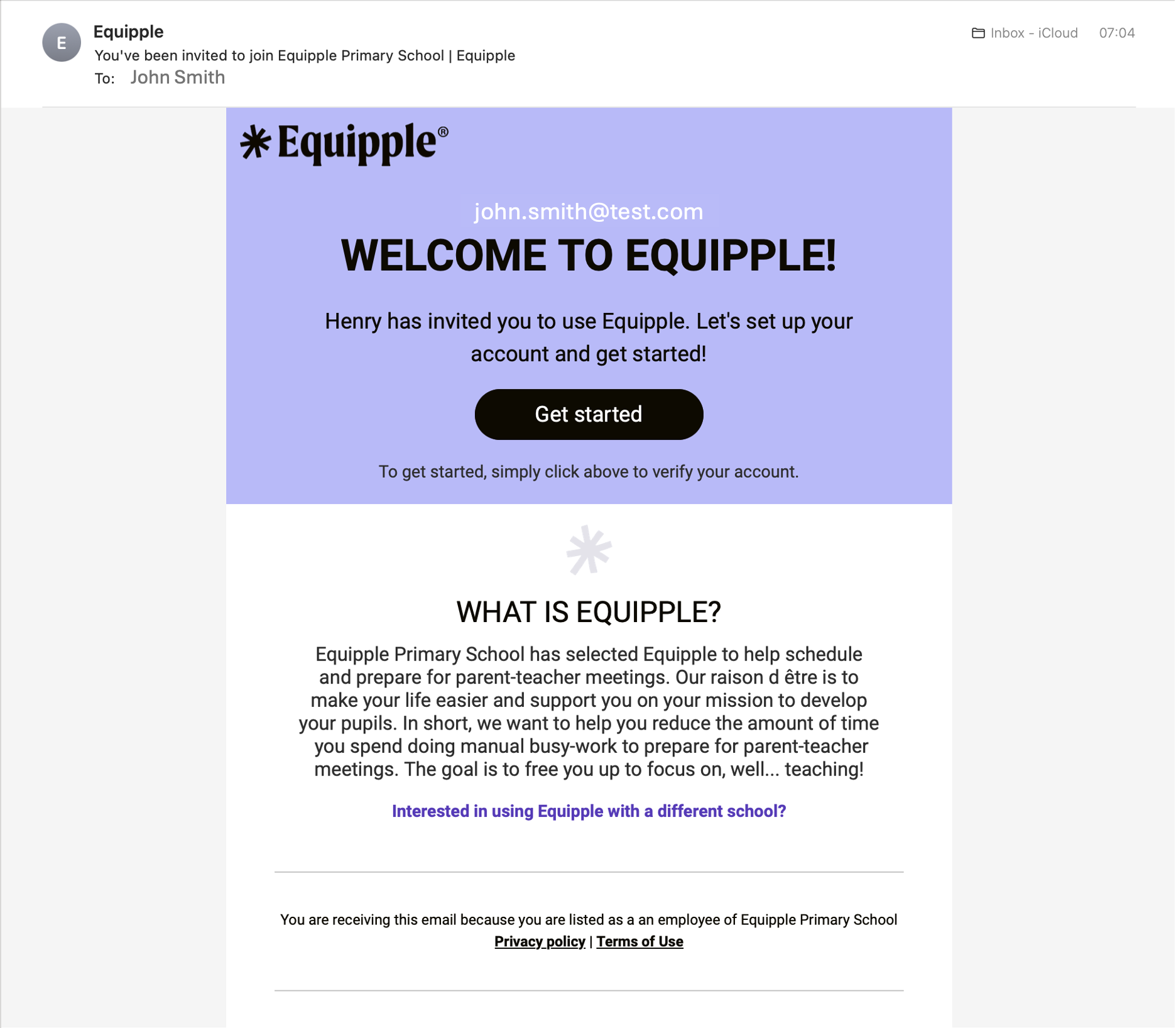
- Click on 'Get started' in the email inviting you to login.
Step 2
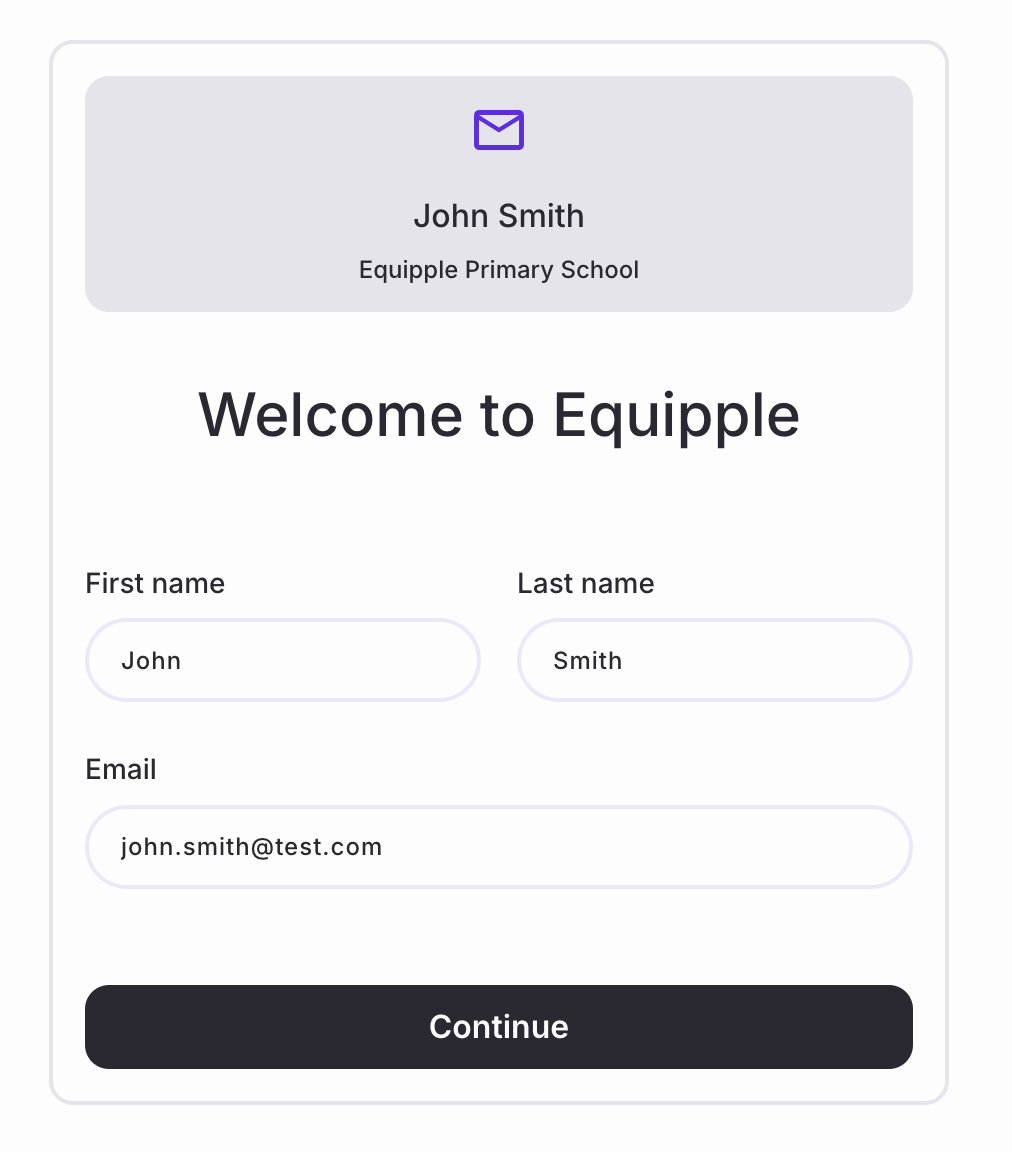
- You will be brought to this screen. Check that your information is correct, and click 'continue.'
Step 3
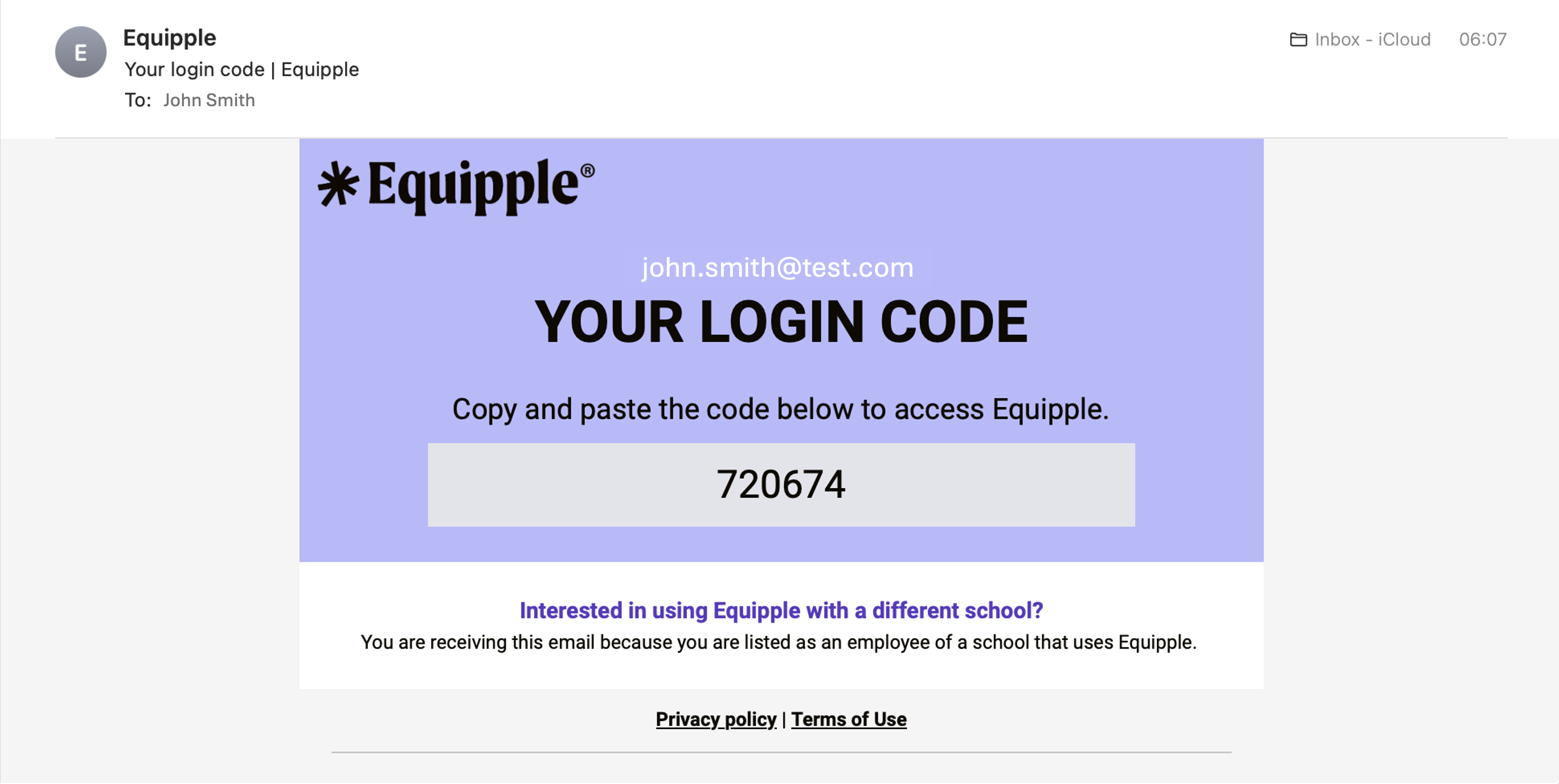
- A unique code will be sent to your email inbox. Copy this code.
Step 4
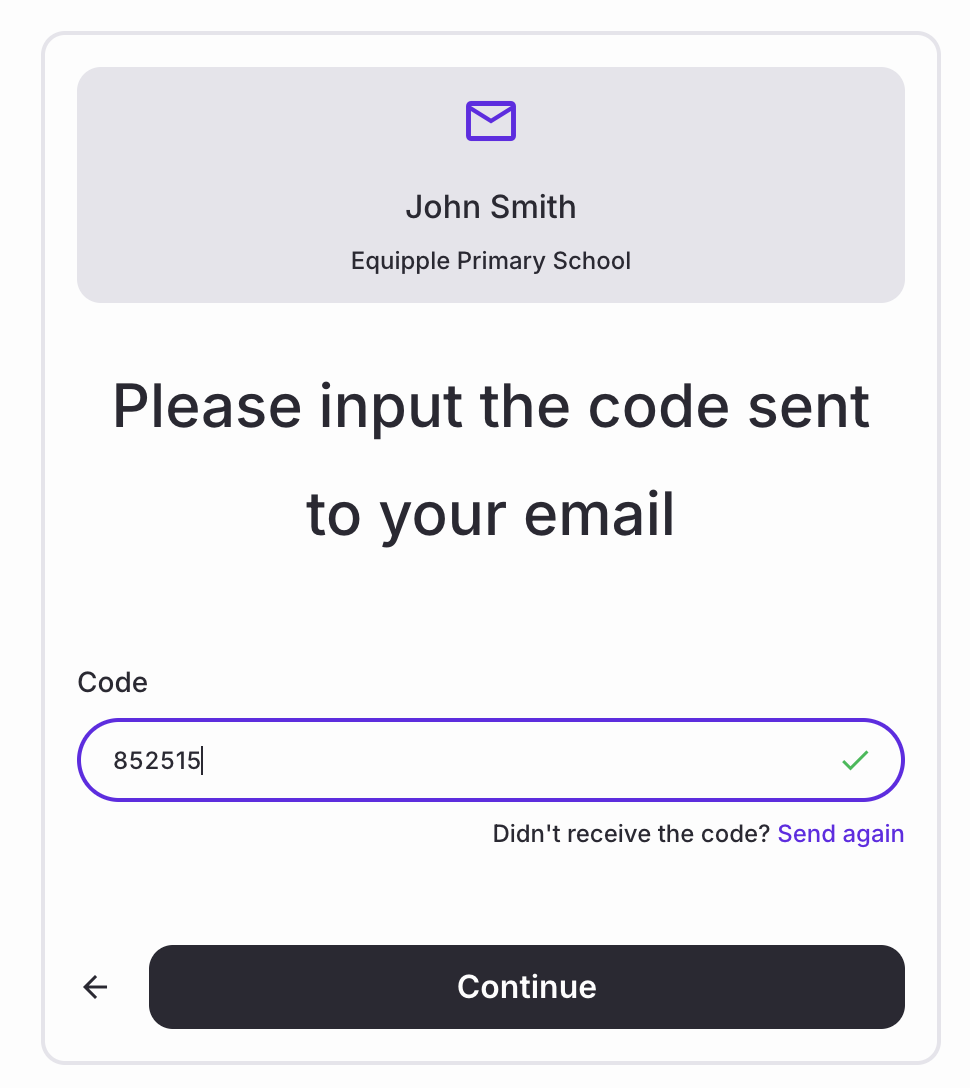
- Return to the browser window, paste the code and click 'continue.'
Step 5
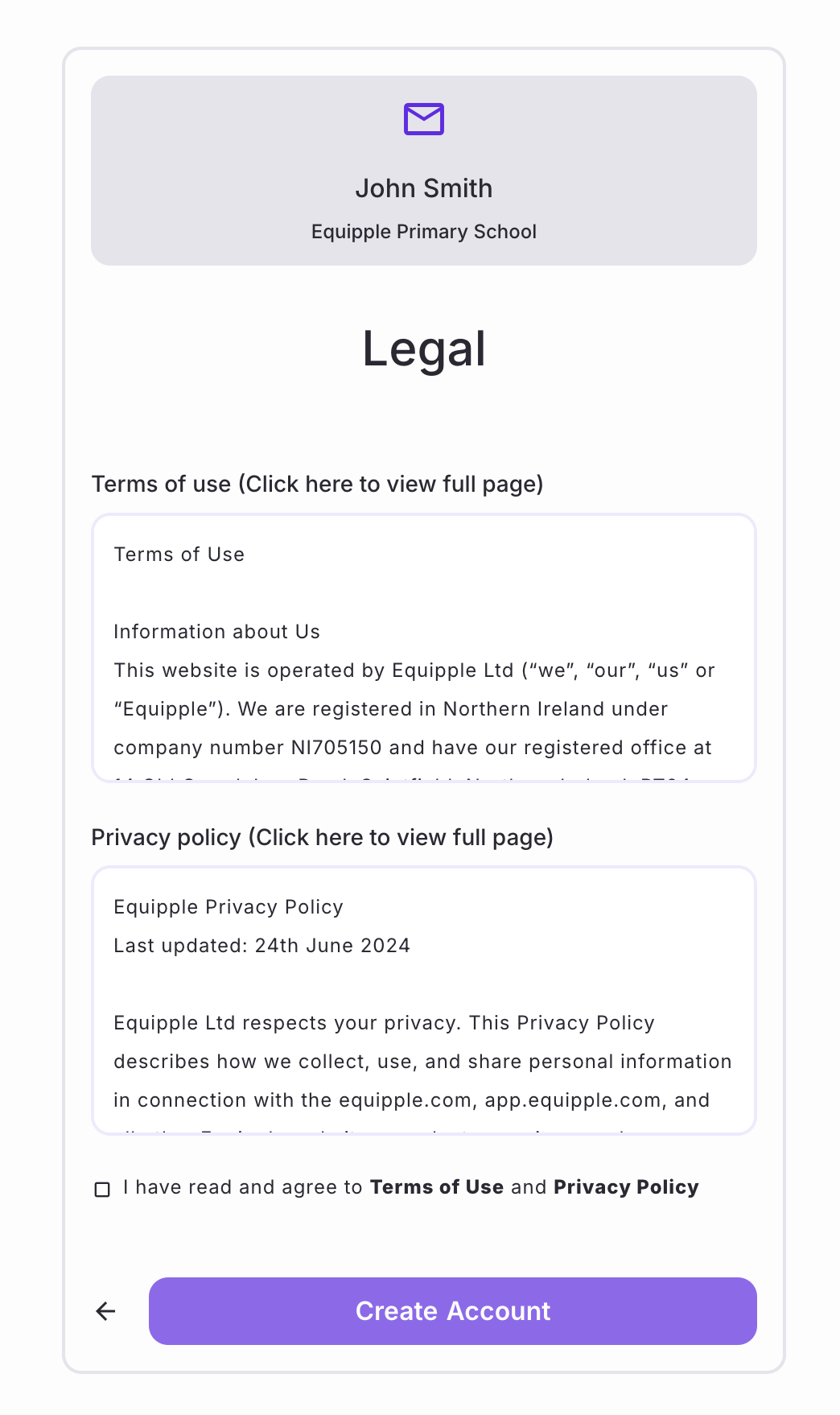
- Next, you will be required to read and accept the terms of use and privacy policy. Check the box and click, 'Create account.'
Congratulations! You should now be taken to your home page.
Was this article helpful?
That’s Great!
Thank you for your feedback
Sorry! We couldn't be helpful
Thank you for your feedback
Feedback sent
We appreciate your effort and will try to fix the article