If there are any teachers that have not confirmed their availability before invitations are sent out then there are a few things you can do as an admin:
Top tip: as an admin you can see which staff have and haven't confirmed their availability in the 'schedules' section of the admin screen. Those teachers who have confirmed their availability will have a green button beside their name and those that haven't will have an orange button.
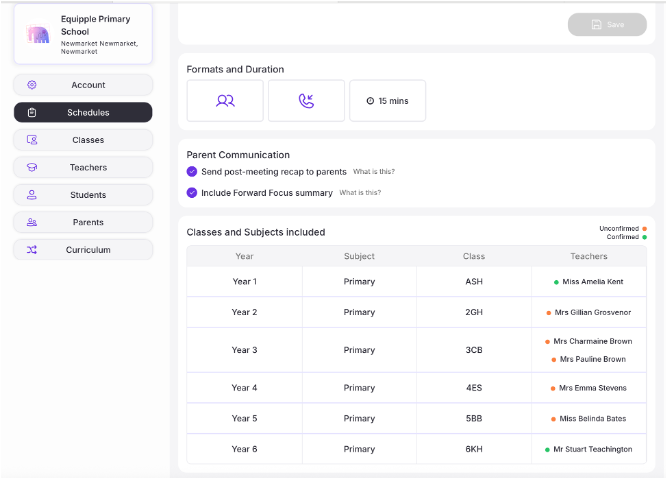
1- First you should speak to the teacher to confirm whether or not they will be participating in the meetings.
2- You can then approve their availability for them (you can even edit their availability if you would like)
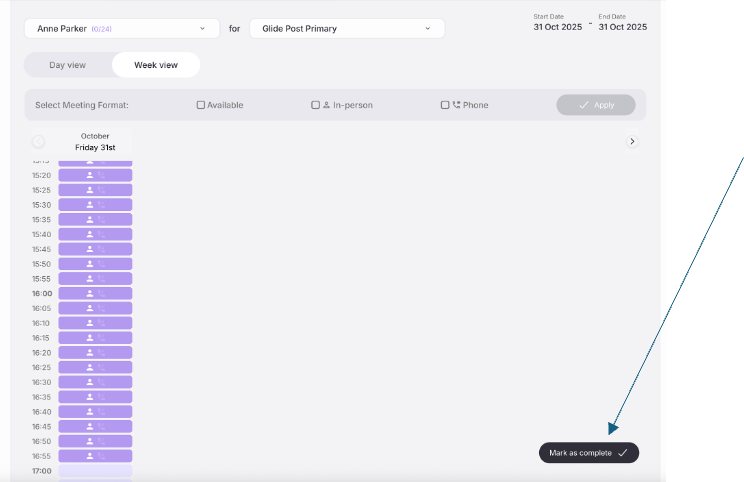
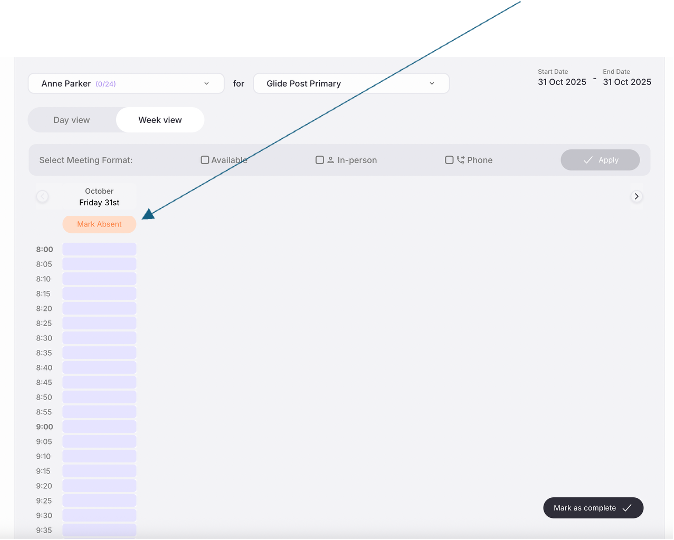
or if they will not be attending that meeting schedule then you can remove them from the schedule altogether which means that they will not be able to be booked by any parent.
Was this article helpful?
That’s Great!
Thank you for your feedback
Sorry! We couldn't be helpful
Thank you for your feedback
Feedback sent
We appreciate your effort and will try to fix the article