Why is it important to mark it as 'parent ready'?
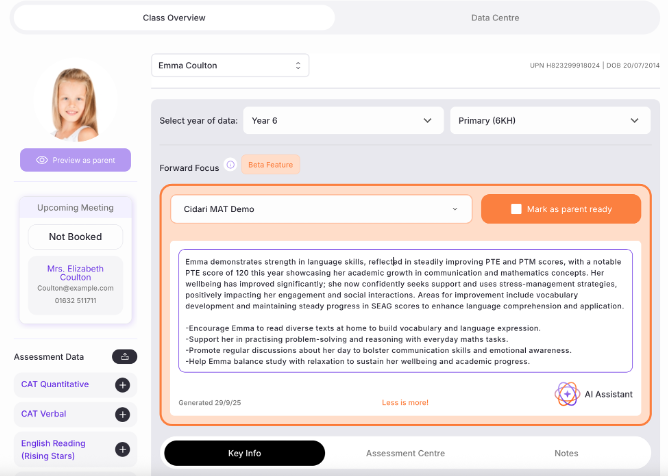
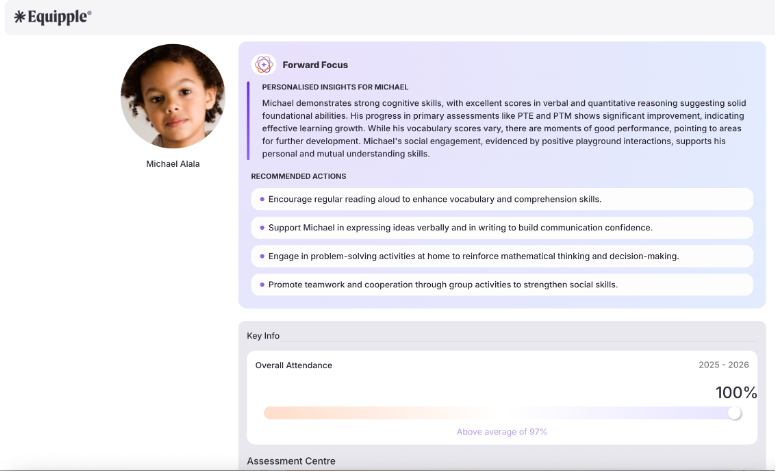
The day after your meetings, parents will automatically receive an email that includes the Forward Focus - but only if it has been marked 'parent-ready'.
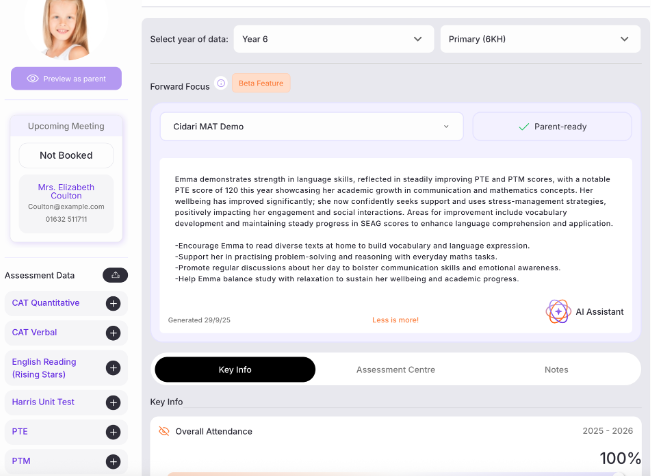
Marking as 'parent-ready' is simple. Just visit the pupil notes page and click on the orange 'parent-ready' button. That's it!
Was this article helpful?
That’s Great!
Thank you for your feedback
Sorry! We couldn't be helpful
Thank you for your feedback
Feedback sent
We appreciate your effort and will try to fix the article