The schedule is a template of times and dates decided upon by your Principal/Head Teacher for upcoming Parent/Teacher meetings. Creating a schedule is a task completed by a designated Equipple School Admin, not a Class Teacher.
The upcoming Parent/Teacher meetings could be for a group of classes, year groups or your entire school, with default dates, times and formats.
If you are a Teacher and log in to Equipple and don't see any schedules, this is likely because of one of two reasons:
1. Your Equipple School Admin has not yet created a schedule for your school.
OR
2. You are not associated with a class that is part of a schedule.
In either instance, when you login to Equipple, you may see a Home screen like this:
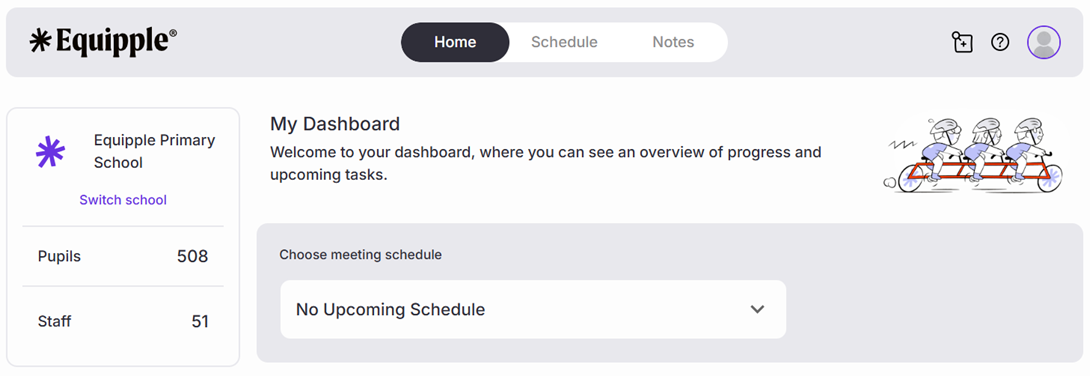
OR
When you click the ‘Schedule tab’:
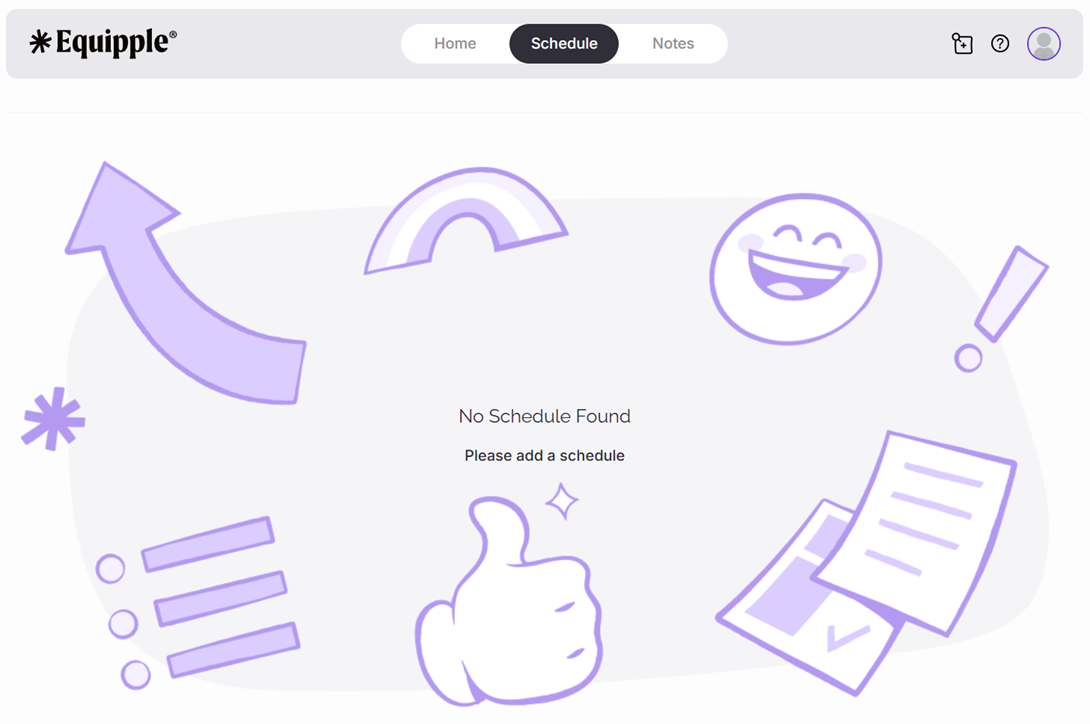
To resolve this, contact your Equipple School Admin (usually a member of SLT or the Office Staff) and ask them either to:
1. Create a schedule
OR
2. Include your class within an existing schedule.
If you are an Equipple School Admin wishing to resolve this issue, follow this guide.
Was this article helpful?
That’s Great!
Thank you for your feedback
Sorry! We couldn't be helpful
Thank you for your feedback
Feedback sent
We appreciate your effort and will try to fix the article